A Times Square billboard message is a short photo, video or line of text shown on a digital screen for seconds, so decide first what single thing you want it to say.
Then settle the format, the date and slot, and who will film it. Everything else, from wording to where you stand, follows from those choices.
If you want the mechanics before the choices, read how do times square billboard messages work. This guide helps you pick a route: what the screen can carry, how long it runs, where to watch and how to capture it.
Start with the decisions that shape your message
Most people choose a billboard message for an occasion: a proposal, a birthday, a congratulation or an announcement. The occasion decides almost everything else, so work through these criteria in order before you look at booking pages.
- The one thing to say. A screen message is read in a glance by the person you care about and by strangers nearby. If your idea needs a sentence of explanation, it is too long for this medium.
- Photo, video or text only. A personal photo or short video carries emotion that words alone do not. Text-only suits a plain congratulation or a joke that needs no face.
- Who will be there. A surprise needs a plan for getting the recipient to the right place at the right time. A public celebration needs a plan for where your guests stand.
- Who films. The person being celebrated cannot also hold the phone. Assign a filmer before you assign a slot.
- Budget and extras. Prices vary by operator and by what the package includes, so compare packages like for like. The guide on how much does a times square billboard message cost covers that comparison.
If you can answer the first two points in a sentence each, you are ready to read on. If not, spend time on the wording section next, because a clear idea makes every later decision easier.
What you can put on a Times Square billboard message
You can show a photo or video with a short line of text. A Times Square listing describes it as one short line of text within your photo or video, with occasion frames such as “Happy Birthday,” “Congratulations,” or “Will you marry me?” as examples.
Wording that works on a screen
Short wording suits a message that is read quickly. Use names, the occasion and one clear action or feeling. A line that names the person and states the occasion does the job; a line that lists three jokes and a date does not.
Put the most important word where the eye lands first. If your photo is busy, keep the text brief so the two do not compete. A plain background behind the person’s face gives the line room to be read.
For inspiration across occasions, times square billboard message ideas collects phrasing and themes. If the occasion is a birthday, a happy birthday message on times square billboard has its own considerations. For a couple’s milestone, an anniversary message on times square billboard follows similar logic.
What gets declined
Rules differ by operator, but the same listing sets out what files may not include: watermarks, brands or logos, nudity, smoking or vulgarity. It also says a submission containing a logo, QR code, link or anything resembling an advertisement will be declined.
Treat that as a firm line. A personal screen is a greeting, not promotion, so keep the message about the person. Anyone hoping to feature a shop name or a link for a proposal vendor should drop the idea or ask the operator first.
- Safe: names, a short greeting, the occasion, a personal photo or video.
- Risky: a photo with a brand on clothing, a watermark from an editing app, a QR code for a wedding website.
- Declined: logos, links and anything that reads as an ad.
Check clothing and background before you shoot. A visible brand on a shirt can be as much of a problem as a deliberate logo, and re-shooting is easier than a rejected file.
Photo, video or text: choosing the format
Photo or video is the better choice for people-centred occasions. Text alone suits a quick public congratulation. The format decides what you must prepare, so choose it before you pick a slot.
When a photo is enough
A single strong photo is the simplest route. It needs no editing for motion, and the face does most of the emotional work. It suits birthdays, congratulations and baby announcements, where the viewer needs to take in the image and a short line at once.
When video earns its place
Video suits a proposal or an announcement with a reveal. Because the display is short, a clip should have one beat: a smile, a held-up sign, a wave. Anything that depends on a build-up will not land. If you cannot describe your video in one short sentence, simplify it.
Preparing the file
Keep the subject central and the background plain. Avoid visible brands. Group photos are possible, and the guide on how to put your photo on a times square billboard walks through preparing and submitting an image. If you want professionally shot images for the occasion as well, some operators sell a photoshoot add-on, which is a separate purchase from the screen slot.
How long the message stays on screen
A personal message does not stay up for long, but it can repeat. In a Times Square listing, your photo or video displays for 15 seconds every hour for 24 hours on the selected date. The same listing guarantees 22 showtimes within 24 hours in case of technical difficulties.
Read those two numbers differently. Fifteen seconds is the length of a single appearance, so your plan has to be built around a short moment. Twenty-two guaranteed showtimes is a safeguard against technical problems, not a target for how many times you will see it.
What this means for planning
- Do not rely on one viewing. Because the message repeats through the day, a late guest or a missed first showing is not a disaster. A proposal still needs the right showing, so confirm your assigned slot before telling anyone when to arrive.
- Brief your filmer on the length. A short appearance leaves little time to find a good angle. Position the filmer before the slot, not as it starts.
- Let your guests know it repeats. That relaxes a surprise: nobody has to be there for an exact second.
For a fuller explanation of display length and what operators mean by a slot, see how long does a times square billboard message last. When the evening versus daytime question matters, best time to show a times square billboard message goes deeper on the trade-offs of different slots.
Where the screens are in Times Square
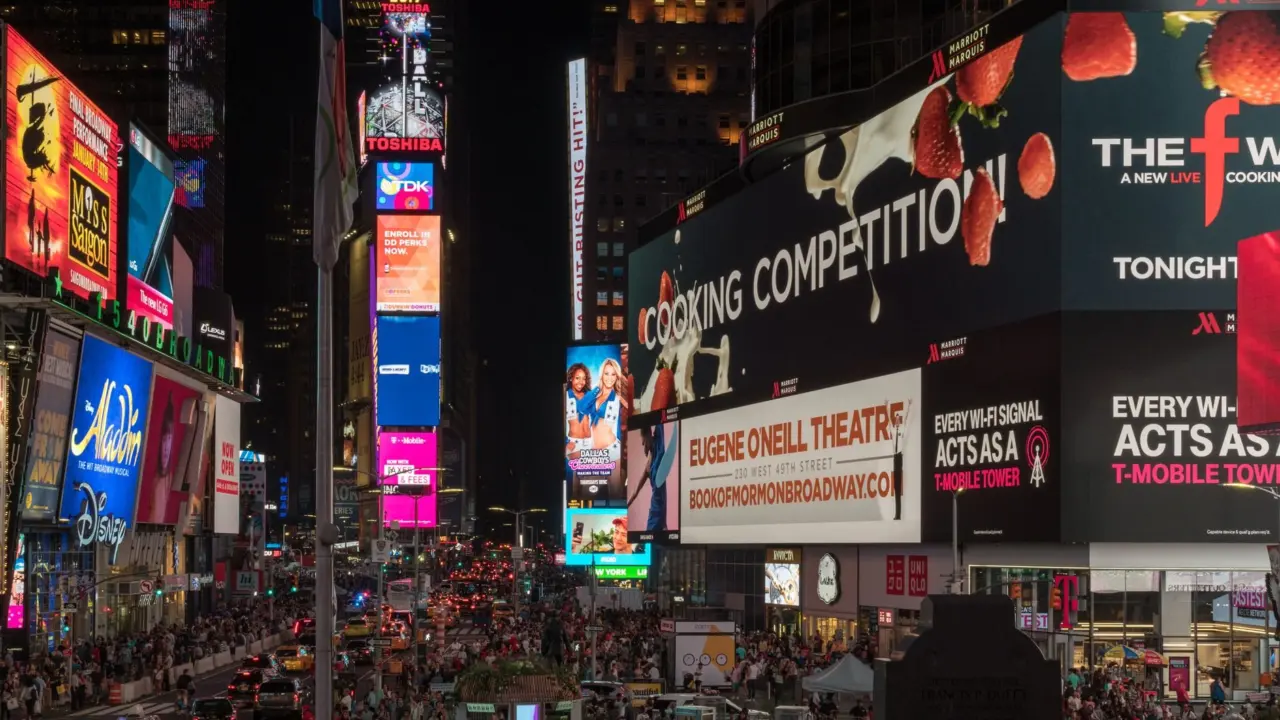
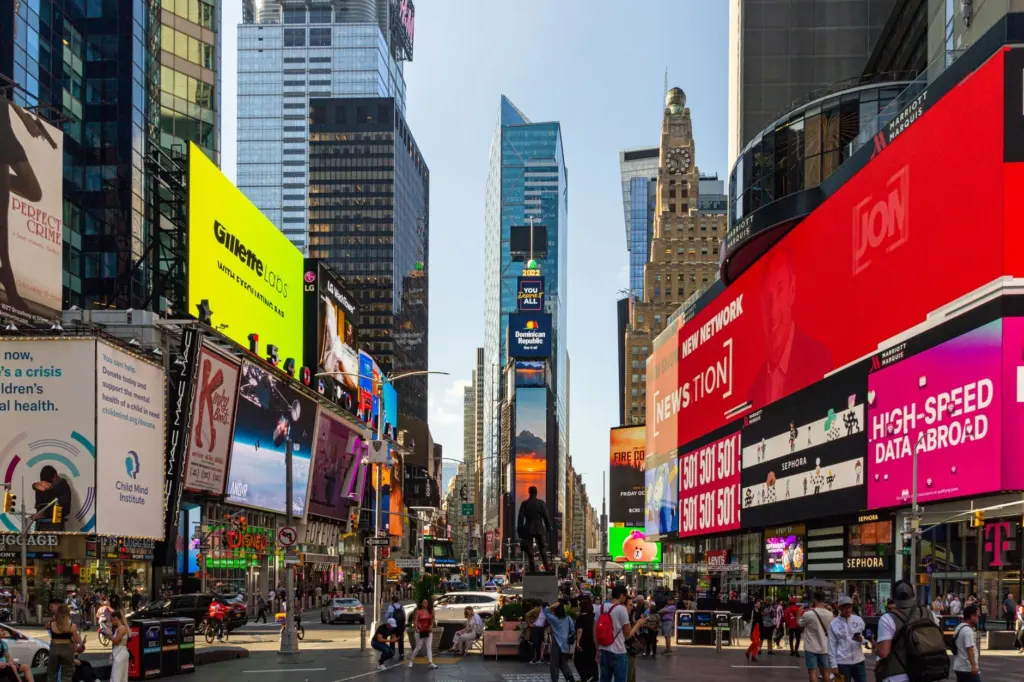
Screens cluster around the junctions and plazas of Times Square, and each operator’s screen has its own position. The first thing to learn from your booking is which screen your message will be on, because that tells you where to stand.
Duffy Square and the red steps
Duffy Square is the part of Times Square known for the red TKTS steps, and it is one of the best-known viewing areas. One operator listing places its billboard above the Pelé store, directly across the street from the famous TKTS red steps. For that screen, the steps give a raised place to stand and look across.
Raised ground helps for a group because people at the back can see over those at the front. It also gives a filmer a clearer line than the pavement.
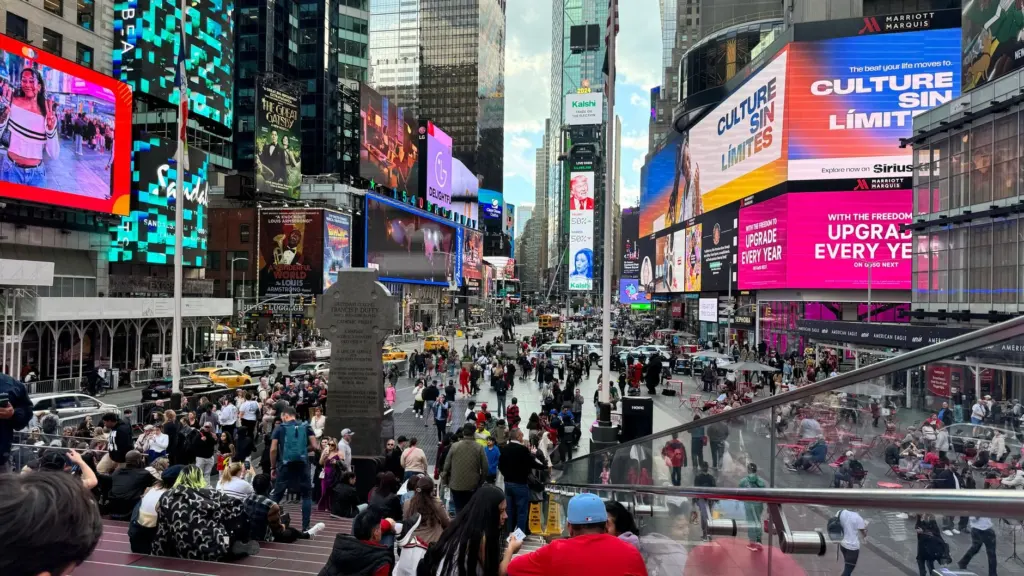
Choosing between screens
Not every screen suits a personal message. Ask which screen your slot is on, whether you can stand directly opposite it, and whether the view is blocked at the time you want. A screen with an open view and room for a small group beats a more famous one with a crowded pavement. A full comparison is in times square billboard locations for personal messages, and the background on screen types is in digital billboards in times square.
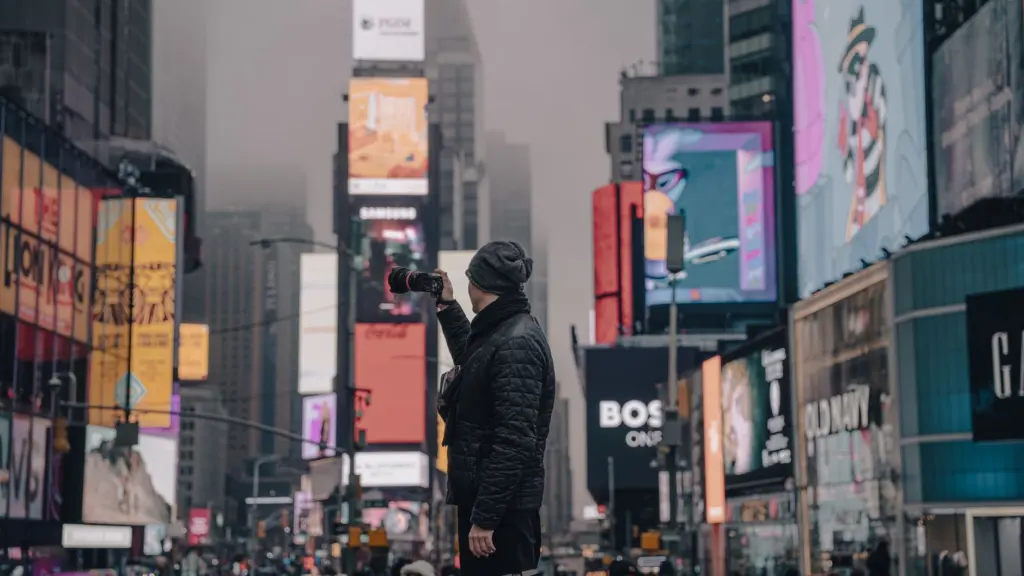
A digital billboard is a screen that rotates content, which is why your message gets a short turn rather than a permanent position. That is the reason timing and viewing position matter more here than they would for a fixed sign.
Crowds, daylight and when to be there
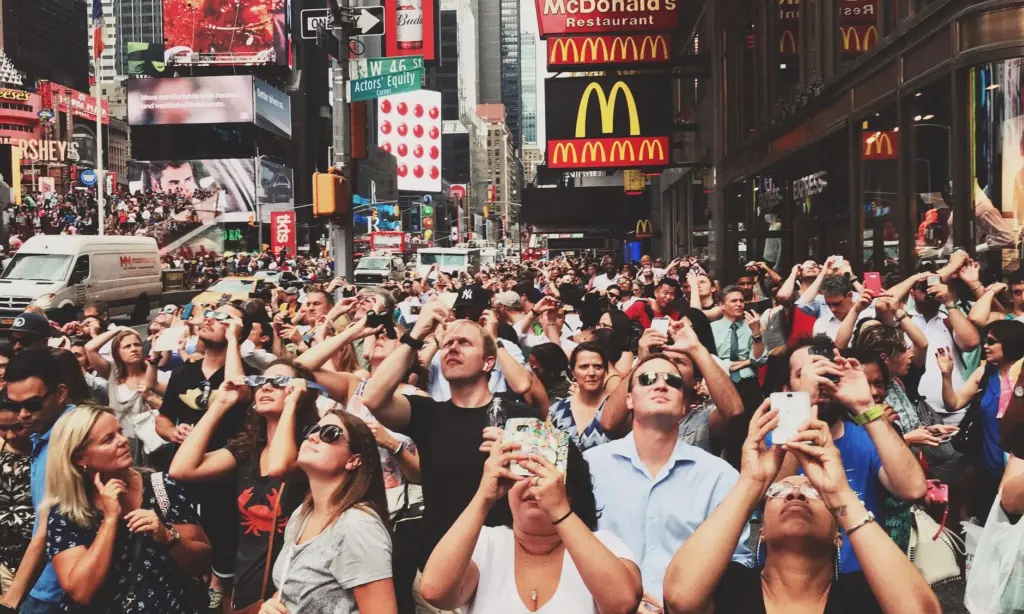
Times Square is busy at most hours, so plan for company. A vendor blog reports approximately 50 million tourists visit Times Square annually and that the site saw an average of 390,368 daily visitors in 2018. Those are older figures from a vendor, so treat them as an indication of scale rather than a forecast for your day.
The practical meaning is simple: expect a crowd, and do not expect to stand in an empty space near your screen. Arrive before the slot and agree a meeting point that is easy to find in a crowd.
Because the message repeats through the day, you can choose a showing that suits your group rather than the busiest one. Evening light makes screens stand out, while daylight is easier for a family with small children. The right choice depends on who is coming, not on a rule.
Booking: what happens and in what order
Booking follows a fixed order: choose a date and time, submit your file, then wait for confirmation. At one operator, the booking flow asks you to select your preferred date and time for your Times Square billboard display. Read the full process in how to book a times square billboard message.
The file comes before the slot
On the ticketed listing, your slot will not be reserved until you submit your photo or video. A purchase alone does not hold your date. Prepare the photo or clip before you pay, so that you can submit it immediately.
The same listing says you will get a confirmation of your assigned time slot within 24 hours. That means the exact time may be assigned to you rather than chosen, which is why you should not announce a time to guests until you have the confirmation.
A sensible order
- Decide the occasion, the single message and the format.
- Prepare a photo or video with a plain background and no brands.
- Choose the date, and pay attention to the date rather than to a specific hour.
- Submit the file straight away so that the slot is held.
- Wait for confirmation of the assigned time before telling your guests.
- Choose a filmer and a meeting point.
Leave time for a replacement file if yours is declined for a content reason. A late rejection is the most avoidable way for a plan to fail.
Filming, photographing and livestreaming it
You can film and photograph the message from the crowd, and some operators also stream the slot online. The ticketed listing invites you to see the billboard in person and watch the live stream online, which lets people who cannot travel follow the same moment.
Plan the capture before the day
- Use a dedicated filmer. The person at the centre of the moment should not be holding the phone. A friend or family member who knows exactly when to start recording will do better.
- Capture the reaction as well as the screen. Record the screen once, then film the face of the person seeing it. The reaction is often the part people replay.
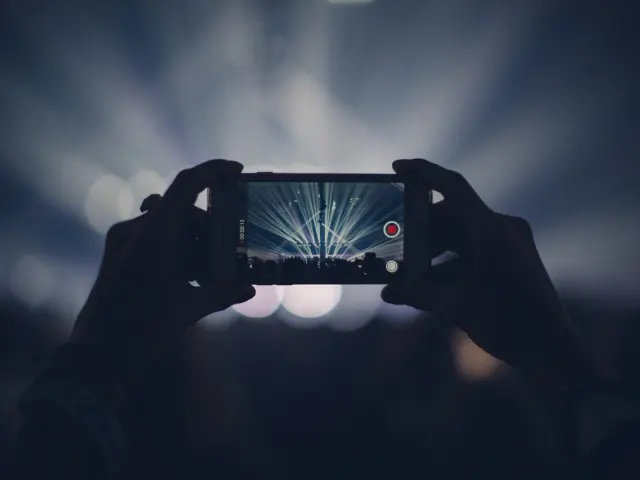
- Take wide and close. A wide shot shows the screen in its Times Square setting. A close shot shows the message itself. Take both while the screen is showing your slot.
- Share the livestream link. If the operator provides a stream, send the link to people who cannot attend and tell them the time. Check with the operator whether a recording is available afterwards.
Test your camera angle on the screen before your slot, and make sure the filmer’s battery and storage are ready. A few practice frames before the message appears are cheap insurance. If the first showing goes wrong, you can try again, but plan as if you have one clean attempt.
Choosing by occasion
The occasion changes the plan more than the screen does. Use the guidance below to match your choice to your situation.
Proposals
A proposal needs the most coordination, because the person must be in the right place at the right time without suspecting why. Choose a video or photo that is easy to read at a glance, with a short line such as the “Will you marry me?” frame mentioned in the listing. Hand the filmer a plain brief: be in position early, record the screen, then the reaction.
If you want a quiet moment, choose a showing when the plaza is less busy. If you want an audience, invite friends and agree where they will stand. Either way, confirm the assigned time first.
Birthdays and congratulations
Birthdays suit a photo with a short greeting and the person’s name. They are the easiest occasion for a group, because a larger gathering can be arranged around a confirmed slot. The same applies to graduations and new jobs, where “Congratulations” and a name is enough.
Announcements
Baby, engagement and move announcements work best with a single plain message. Keep the wording simple and let the photo carry the news. Because brands and links are declined, an announcement that points to a website should instead be shared through your own channels after the moment.
When to choose something else
If the recipient dislikes public attention, a screen in a crowded plaza may be unkind. If you cannot travel to Times Square and have nobody to film, the livestream is a fallback, but it is not a substitute for a person on site. In those cases a private message or a smaller celebration will serve better.
Choosing at a glance
This table compares the main routes on common criteria so you can match a route to your situation.
| Route | What it involves | Best for | Planning use |
|---|---|---|---|
| Photo with short text | One photo and one short line, displayed for 15 seconds every hour for 24 hours on the selected date | Birthdays, congratulations, announcements | Simplest file to prepare; submit it early so the slot is held |
| Video with short text | Same display pattern, with motion in the file | Proposals and reveals | Build the clip around one beat because the appearance is brief |
| Livestream viewing | Live stream online to watch the slot | Guests who cannot be in New York | Send the link and the confirmed time ahead |
| Professional photoshoot add-on | 10 professionally shot and edited photos, delivered digitally within 5 business days | People who want pictures of the day beyond the screen | Treat it as a separate purchase and check what the package includes |
The display pattern and livestream come from the ticketed Times Square listing, and the photoshoot add-on details come from the operator’s booking page.
Common mistakes to avoid
- Telling guests a time too early. The slot is assigned and confirmed after you submit your file, so wait for the confirmation.
- Leaving the file until late. The slot is not held until the photo or video is submitted, so a delayed file can cost you your date.
- Using a branded photo. Logos, brands and watermarks are on the list of things the files may not include.
- Adding a link or QR code. These are declined, so share the information afterwards through your own channels.
- Having no filmer. The key person cannot capture their own moment, so choose someone beforehand.
- Writing too much. A message that cannot be read in one glance will not be read.
Most of these come down to preparation. Decide the message, prepare the file, confirm the slot and brief the filmer, and the rest is straightforward.
Frequently asked questions
Is there a limit on how many people can be in the photo?
On the ticketed listing, there is no cap on the number of people who can feature in a single photo. Keep faces large enough to be recognised on a screen, and avoid visible brands on clothing.
Can I cancel if my plans change?
On that listing, you can cancel up to 24 hours in advance for a full refund. Check the terms of your own operator, because cancellation rules differ between operators.
Can I get professional photos of the day?
One operator offers a photoshoot add-on with 10 professionally shot and edited photos, and images are delivered digitally within 5 business days. It is a separate item from the screen slot.
Is a video message better than a photo?
It depends on the occasion. A video suits a reveal, such as a proposal, while a photo is simpler and works well for birthdays and congratulations.