
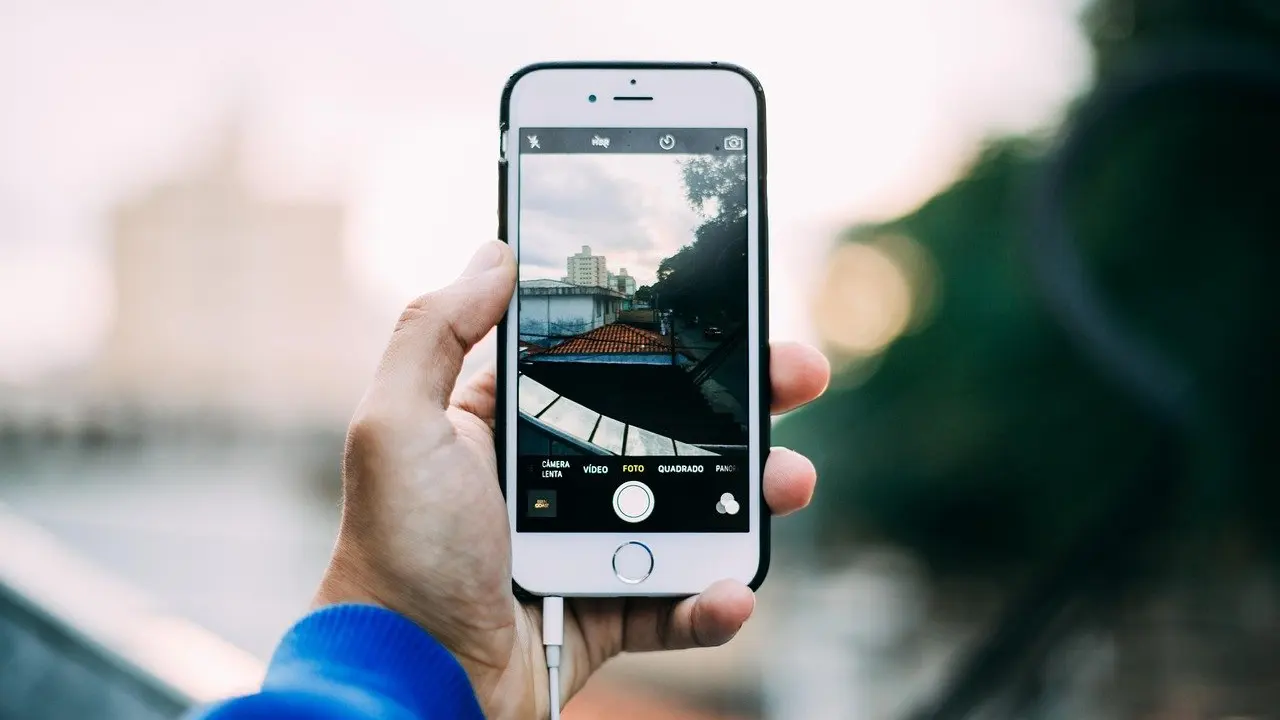
You have a landscape photo worth seeing on a big screen. Here is how to put your photo on a Times Square billboard: prepare a horizontal JPG or PNG, upload it through a provider, and wait for review.
Quick answer: use a horizontal photo saved as JPG or PNG at a 16:9 ratio and 1920 x 1080 px, and keep text, logos and restricted content out of the frame. Upload it, crop if the form offers it, then wait for the advertiser’s review. The same reseller recommends booking 7 working days in advance.
This guide covers the photo and video side of a times square billboard message. Requirements are set by each provider, so check the upload page you actually use before you export the final file.
Choose and frame the photo
The simplest fix is also the most effective: start with a horizontal picture. One reseller notes that the billboard is landscape format, so horizontal photos are preferred, and the screen operator’s FAQ goes further by saying the photo or video must be horizontal/landscape. A portrait shot is a poor fit for a landscape screen, so pick another image before you spend time editing.
- Pick a horizontal shot. Scroll your gallery for pictures taken with the phone held sideways, and set the vertical ones aside.
- Confirm you own it. The operator requires that you hold the rights to what you submit, so use your own photo, not one lifted from a website or a friend’s account.
- Remove text. The operator does not accept images with any text on its platform, so skip pictures with captions, stickers or sign lettering you added.
- Keep brand logos out. The reseller’s rules say images or videos cannot carry brand logos, which rules out shots dominated by a branded shirt or product.

File specifications at a glance
Once you have a candidate, check it against the figures below. They turn the file rules into export settings you can apply in any photo editor or in your phone’s share menu.
| Requirement | Value | Planning use |
|---|---|---|
| File format | JPG or PNG | Export in either format; convert anything else first. |
| Aspect ratio | 16:9 | Crop to this shape before or during upload. |
| Pixel size | 1920 x 1080 px | Use as the export target for the final file. |
| Orientation | Horizontal (landscape) | Reject portrait originals. |
| Suggested quality | 72 dpi | A suggestion from the operator, not a stated minimum. |
| Short clip length | Less than 15 seconds | Trim video to fit under this limit. |
| Screen size at 1560 Broadway | 55 ft wide x 31 ft high | Context for how large the image will appear; not an upload dimension. |
| Screen size at 1619 Broadway | 65 ft wide x 45 ft high | Same context for the larger screen. |
Format, ratio, pixel size and clip length come from a reseller’s upload instructions, while orientation, suggested quality and screen sizes come from the screen operator’s FAQ.
The operator specifies orientation and a suggested quality, and the reseller’s form supplies the pixel frame. A 1920 x 1080 landscape export therefore sits comfortably inside both sets of guidance. Treat 72 dpi as a quality guide rather than a hurdle: a sharp photo exported at the right pixel size matters more than the dpi tag.
Upload, crop and wait for review
With the file ready, the upload itself is short. Do it on a laptop if you can, because cropping and checking the frame is easier on a larger display.

- Open the provider’s upload form. Reseller listings describe placing a personal photo or message on a large-format digital display in Midtown Manhattan.
- Select your JPG or PNG. Upload the exported file, not a screenshot of it.
- Crop to the frame. The reseller gives you the option to crop your photo after uploading, so use it to centre faces and the main subject.
- Submit and wait. Advertisers review the images and then assign the display time, so a confirmation is not the same as a scheduled slot.
- Leave a buffer. The reseller recommends booking 7 working days in advance, so submit well before the occasion rather than the night before.

Times Square has over 40 major LED and digital billboard structures across roughly two blocks, so confirm which screen and which operator your provider uses before you share a viewing plan. How the schedule works after approval is covered in how long does a times square billboard message last.
Moving up to video
A video message is the next step up when motion matters, such as a short greeting or a reaction. The operator’s FAQ treats photos and videos alike on orientation, so a clip must also be horizontal. For length, the reseller allows pictures or videos of less than 15 seconds.
The slot itself is short. The operator describes content shown for 15 seconds every hour for 24 hours and guarantees 22 plays per day. Another reseller lists a 15-second photo or video option shown 4 times per hour, or 88 times per day. Packages differ, so compare plays per day before you pay.
A clip suits a single idea, so cut it down to one gesture or one sentence, and film it sideways from the start. Because the operator turns away images carrying any text, keep title cards and captions out of your clip too. Choose a still photo instead if the moment does not need movement, because a still avoids trimming and re-exporting.
Content rules that stop a submission
Most rejections come from content, not file settings. The operator states that you cannot submit a photo or video showing nudity, political, sexual or violent content, or smoking. The reseller’s rules add that vulgarity is not allowed in pictures or video displays.
- People and faces. The published restrictions target what the picture shows, not faces as such. A smiling portrait or group photo is fine as long as nothing in the frame falls into the banned categories, and you hold the rights to the picture.
- Text overlays. Images with any text are not accepted on the operator’s platform, so a typed message belongs in a separate message product, not inside the photo.
- Logos. The reseller bars brand logos, so check clothing, bags and backgrounds as well as the main subject.
- Rights. You need to own the rights to what you submit, which excludes professional photos you have not been licensed to use.
When to stop and rethink
Stop and change course if a check fails rather than forcing the file through. A portrait original that would lose its subject when cropped to landscape needs a different photo. An image that carries text needs a clean version. A date closer than the recommended 7 working days is at risk, because the advertiser still has to review the image and assign a display time.
If the photo marks a milestone, the anniversary message on times square billboard guide covers the wording side, and the photo guidance above still applies to the picture.
Frequently asked questions
Where can I see my photo once it is displayed?
The operator tells submitters to go to 1560 Broadway, NY 10036 to see their photo or video. Because Times Square has many screens, head to that address rather than just the general area.
Can someone under 18 submit a photo?
The operator requires submitters to be 18 or older, so a minor’s photo has to go through a parent or guardian.
Can I submit a business advertisement instead of a personal photo?
Not through the operator’s photo route, whose FAQ says adverts cannot be submitted. One operator describes signage advertising in Times Square as direct and effective, but that is a separate out-of-home advertising purchase, not a personal photo upload.
Do I need to match the aspect ratio exactly?
Aim for a horizontal (landscape) frame, which the billboard format prefers. The reseller’s crop option after upload helps you frame the subject if your original is slightly off.