| Symptom | First action | Planning use |
|---|---|---|
| You do not know how early to order | Check live availability for your dates, then ask the operator for the lead time on your chosen board. | Standard boards: 4–6 weeks lead time; premium spectaculars: 8–12 weeks. |
| Your date is a holiday or event peak | Order at the long end of the lead time and keep a backup date. | Dec 26–Jan 1, Super Bowl week and NYE command 30–100% premiums. |
| You want a particular hour | Choose a screen that sells single hours. | Single hours are sold on certain screens; standard digital boards come in 1/8, 1/4, 1/2 and 1/1 shares. |
| You want photos of the moment | Select the photoshoot add-on at checkout. | It must be booked at least 1 day ahead; same-day bookings are not available. |
| Your plans might change | Read the cancellation terms before you pay. | Photoshoot cancellations within 24 hours of the session are non-refundable, the same 24-hour policy as the billboard booking. |
Lead times, share options and premium dates come from Plugtalk Media’s Times Square billboard page, while photoshoot timing and cancellation terms come from the Times Square Billboard photoshoot add-on page.
Knowing how to book a Times Square billboard message comes down to sequence: check availability for your date, send the provider your details, confirm the wording, and pay with enough lead time.
This page covers the order of operations and the timing limits. For the wider picture of what a times square billboard message involves, start with the main guide, then return here when you are ready to order.
The booking sequence in order
The sequence below combines the process Plugtalk Media describes for Times Square digital boards with the checkout flow on the photoshoot add-on page. Individual providers differ in detail, so treat it as the usual shape of an order rather than a script.
- Define your brief. Settle your dates, share-of-time needs, board preferences and budget before you speak to anyone. These are the inputs the operator asks you to define at the start.
- Check live availability. You can see what is open for your dates, with photos and dimensions of the boards. Use this to rule out boards that are already taken.
- Select the date and time. Choose your preferred date and time for the display at booking.
- Hand over the message. The provider handles creative production, technical spec delivery, content approval where required, and contracting.
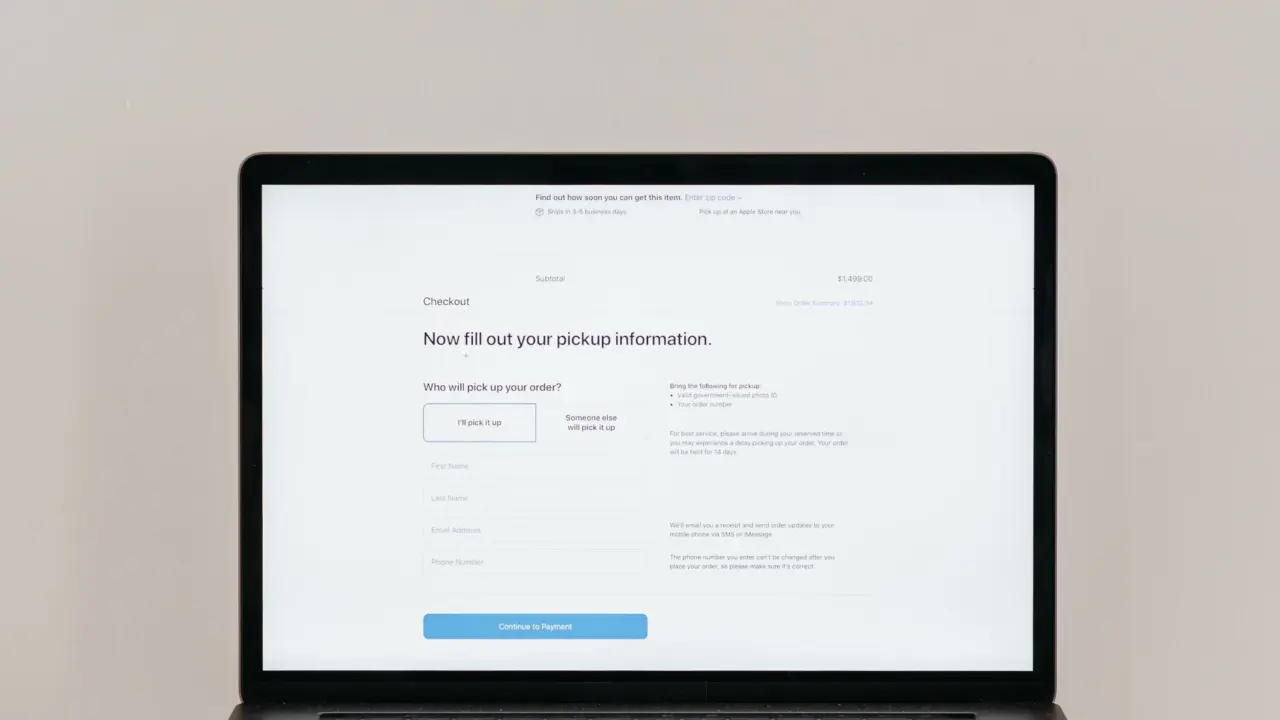
- Add extras at checkout. If you want a photographer, choose the photoshoot add-on during checkout.
- Collect your proof. After launch you receive live photos and proof-of-performance reporting.
Because creative production and contracting sit with the provider, your main job is to arrive with dates and wording settled. Orders stall when those two items are still open at the availability stage.
What to prepare before you order
A short checklist saves the most time, because the operator’s first questions are about dates, time share, board and budget. Having them ready turns the availability check into a decision rather than a discussion.
- Dates, plus a backup. Pick the day you want and one alternative. Peak dates carry premiums, and a backup keeps you flexible if your first choice is taken.
- Share-of-time need. Decide whether you need a single hour or a larger portion of a board’s time. The options are covered under choosing the time below.
- Board preference. Standard boards and premium spectaculars have different lead times, so know which tier you are aiming for.
- Budget. It is one of the inputs the provider asks for, so read how much does a times square billboard message cost before you commit to dates.
- Final wording. Have the exact text written out, spelled and checked, before you open the order form.
Symptom: you cannot settle the wording
Draft the message on your phone and read it back as a stranger would see it. Because the provider handles creative production and content approval where required, your draft is a starting point, but a clean version moves through approval faster than a vague idea. If you plan to submit video rather than text, note that standard digital boards support full-motion video without audio, so the message must work in silence.

Lead time and choosing a date
Plugtalk Media quotes 4–6 weeks of lead time for standard boards and 8–12 weeks for premium spectaculars. These are one operator’s figures for advertising inventory, so confirm the lead time for your chosen screen at the availability stage rather than assuming it applies everywhere. The operator’s Times Square page also notes that the market is considered the most premium out-of-home advertising inventory in the world, which helps explain why dates fill and why timing matters.
Symptom: your date is close
Start with the live availability check, because it shows what is actually open for your dates. If your date falls inside the quoted lead time for the tier you want, ask whether a standard board can fit instead of a premium spectacular, since the standard tier has the shorter window. If nothing suitable is open, move the date rather than compress the rest of the process.
Symptom: your date is a peak date
Dec 26–Jan 1, Super Bowl week and NYE command 30–100% premiums on that operator’s boards. If your occasion does not have to fall on one of those dates, shifting by a few days can change the order materially. If it does, order at the long end of the lead time and hold a backup date in case your first choice is unavailable.

Choosing when the message appears
You select a preferred date and time when you book, but how precisely you can control the hour depends on the screen. Plugtalk says single-hour purchases are available on certain screens and suit proposals and birthday shoutouts. Standard digital boards are sold as 1/8, 1/4, 1/2 and 1/1 shares.
- A proposal or surprise at a set hour. Ask for a screen that sells single hours, then confirm that the hour matches your plan. Ask how the message is scheduled within that hour so the person you are surprising is in position at the right moment.
- A message you want seen repeatedly. A larger share of a standard digital board gives more of the board’s time, and the share size is the lever you control.
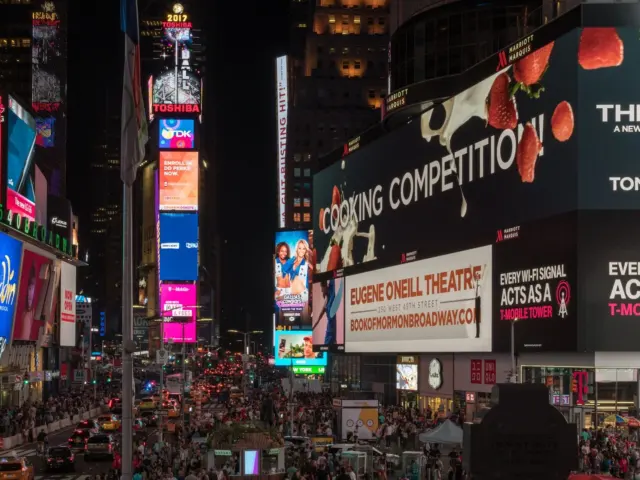
The screen you pick also fixes where you stand. Times Square’s main screens cluster in the Manhattan area known as the bowtie, so compare times square billboard locations for personal messages before you lock the order. A great hour on a screen with a poor sightline for your group is a worse result than a slightly different hour on a better one.
Adding a photoshoot and getting there ready
The photoshoot add-on has the clearest timing rules of anything in the order. It is chosen at checkout and must be booked at least 1 day in advance, and same-day bookings are not available. For a next-day shoot the add-on is available only until 9:00 PM Eastern Time on the previous day.
Symptom: you are ordering at the last minute
If the display is tomorrow, add the photoshoot before the 9:00 PM Eastern Time cutoff tonight, because the option disappears after that. If the display is today, plan to capture the moment yourself, since the add-on cannot be bought on the same day. Either way, decide on the add-on at checkout rather than afterwards, as it is selected during the order itself.
Symptom: you are unsure where to meet
The photoshoot operator lists its address as 19 W. 46 St., Times Square, Manhattan. Use the details the photographer sends you for the actual meeting point, and arrive early enough to find the right screen before your time.

After you pay: proof and cancellation
Once the message goes live, the provider supplies live photos and proof-of-performance reporting. Keep those records together with your contract and confirmation, as they are what you will refer back to if anything about the display needs checking.
Symptom: your plans change close to the date
The photoshoot page states that cancellations made within 24 hours of the scheduled session are non-refundable. It adds that the add-on follows the same 24-hour cancellation policy as the billboard booking. In practice, the 24-hour line is the point to watch: change plans before it and you are within the stated terms, change them after and the booking is non-refundable.
Rescheduling terms vary by provider, so read them in full before you pay, particularly if your date might move. When you are weighing a firm date against a flexible one, remember that the quoted lead times mean a replacement date is not guaranteed to be available at short notice.

Frequently asked questions
| Question | Answer |
|---|---|
| Can a message include video and sound? | Standard digital boards support full-motion video, but without audio, according to Plugtalk Media. Design the message to be understood in silence. |
| Where are the screens? | The Times Square bowtie runs from 42nd to 47th Streets along Broadway and Seventh Avenue, as described by Plugtalk Media. |
| Is there a minimum run on a standard digital board? | Plugtalk lists minimum 1-week digital flights for standard digital boards, while single hours are sold on certain screens only. |
| Who takes the photos if I add a photoshoot? | The add-on page says an independent third-party photographer provides the shoot. Booked more than 24 hours ahead, the photographer contacts you within 24 hours, and images are delivered digitally within 5 business days. |